Frequently asked
How do I import a recipe from Instagram, TikTok, or YouTube?
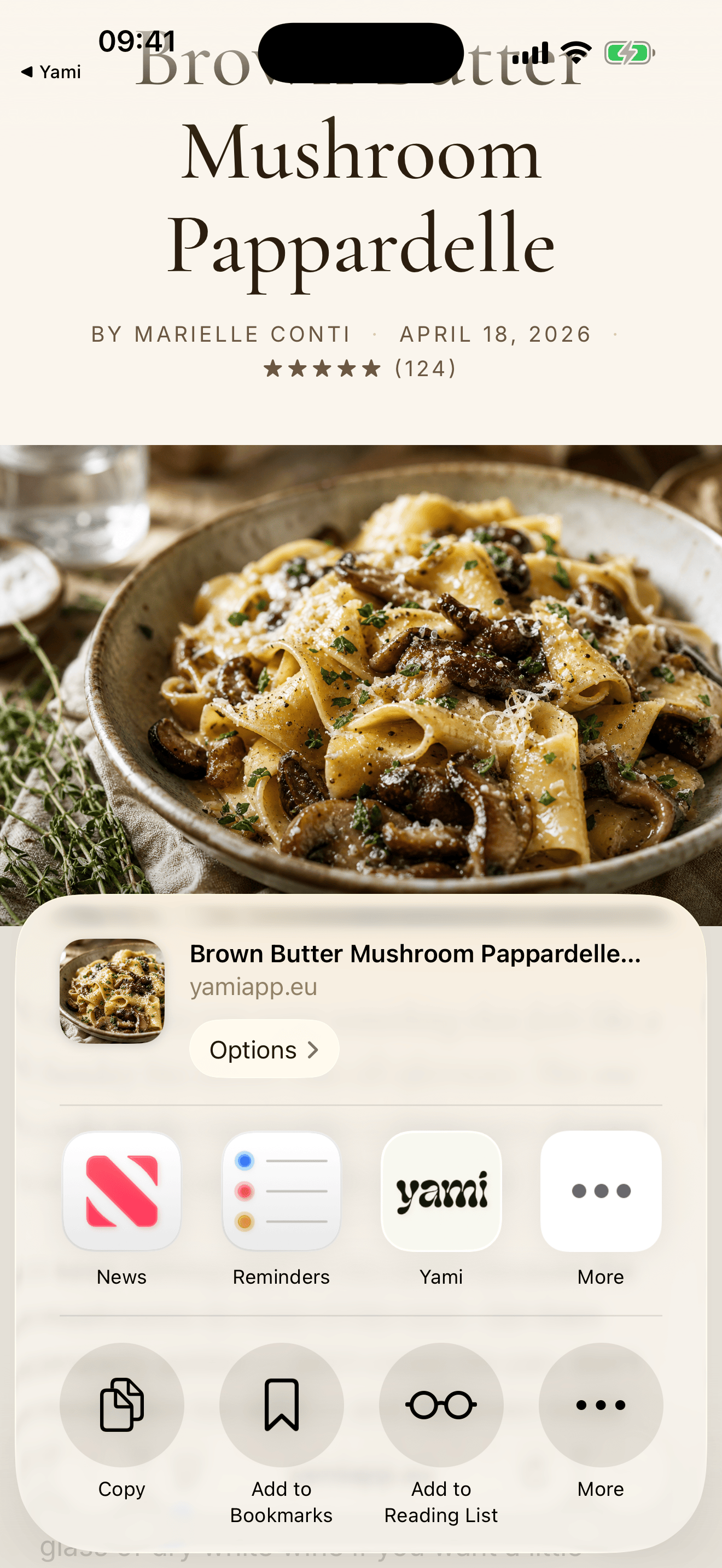
Three ways. From inside the app: tap the + button on the home tab and paste the link. From the source: tap the share button in Instagram, TikTok, YouTube, or your browser, and pick Yami from the share sheet — the recipe imports in the background. From your clipboard: if you've copied a link, Yami offers to import it the next time you open the app.
Why didn't a link import correctly?
Most often: the source page changed its layout, the recipe was inside a video without captions, or the link is behind a login. Try opening the link in Safari first to confirm the recipe is visible, then re-share to Yami. If it still fails, send the link to support@yamiapp.eu and we'll add support for that source — that's how the importer gets better.
How do shared collections work?
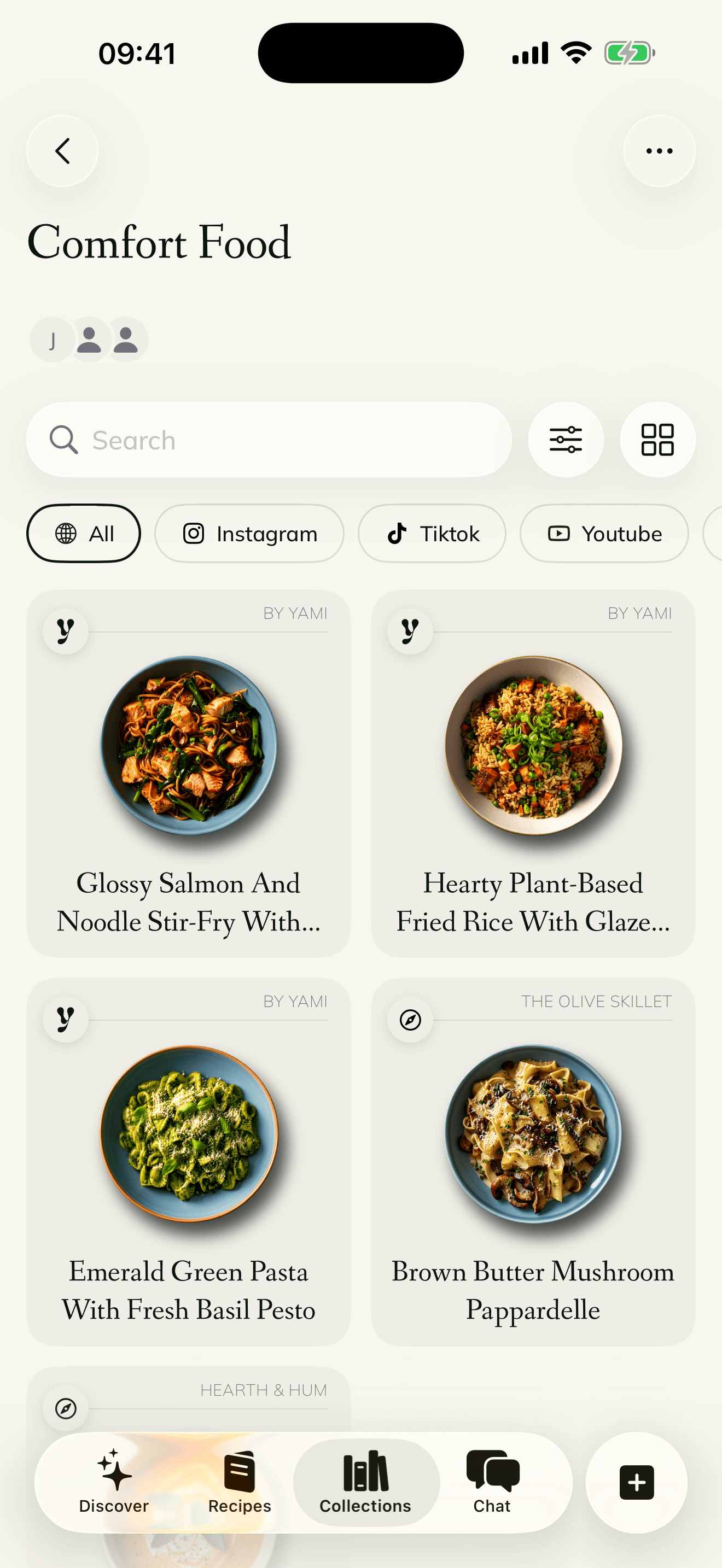
Open any collection you own → tap Members → Generate invite code. You get a 16-character code that's good for one person and expires in 24 hours. Send it however you like. The person joining opens Yami → Join collection → pastes the code. Once they're in, anyone in the collection can add recipes, edit, and mark things as cooked.
How do I leave a shared collection?
Open the collection → tap Members → Leave collection. The collection stays for everyone else; you just lose access. If you're the owner, transfer ownership first (tap on a member → Make owner) or delete the collection entirely.
How do I cancel my Yami Premium subscription?
Subscriptions are managed by Apple, not Yami. Open iOS Settings → tap your name at the top → Subscriptions → Yami → Cancel Subscription. You'll keep premium access until the end of your current billing period. If you're inside a free trial, cancel at least 24 hours before it ends to avoid being charged.
How do I get a refund?
Refunds are also handled by Apple. Go to reportaproblem.apple.com, sign in, find the Yami purchase, and request a refund. Apple usually responds within 48 hours.
How do I delete my account and all my data?
Inside the app: Settings → Account → Delete account. This wipes your recipes, collections, photos, and account record from our servers within 30 days. There's no "undo" — once it's gone it's gone. Backups roll off within 90 days. If you can't access the app, email support@yamiapp.eu from the address on your account and we'll do it manually.
Is my data backed up? What if I lose my phone?
Yes. Your recipes, collections, photos, and ratings live on Yami's servers (Supabase, in the EU), not just on your phone. Sign in on a new device and everything's there. Photos take a moment to re-download the first time you open a recipe.
Does Yami work offline?
Partially. Recipes you've already viewed are cached, so you can read them in the kitchen without WiFi. Importing new recipes, joining collections, and using the AI chef require an internet connection.
What happens when an invite code expires?
Codes expire after 24 hours and after one successful use, whichever comes first. Generate a new code from the collection's Members screen and send that one instead. There's no limit on how many codes you can generate.
Can I use Yami without an account?
Not currently. Yami needs an account to keep your library safe across devices, sync shared collections, and let you recover recipes if you lose your phone. The only thing we ask for is your email and a password.
Why is my AI chef quota used up?
Free Yami includes a small allowance of AI chef requests and recipe imports — enough to try things out. Yami Premium gives you a much larger monthly allowance for both, set well above what a normal cooking week uses. The cap exists only to prevent abuse from bots and bulk scrapers; if you ever hit it as a real human user, write to support@yamiapp.eu and we'll sort it out.